
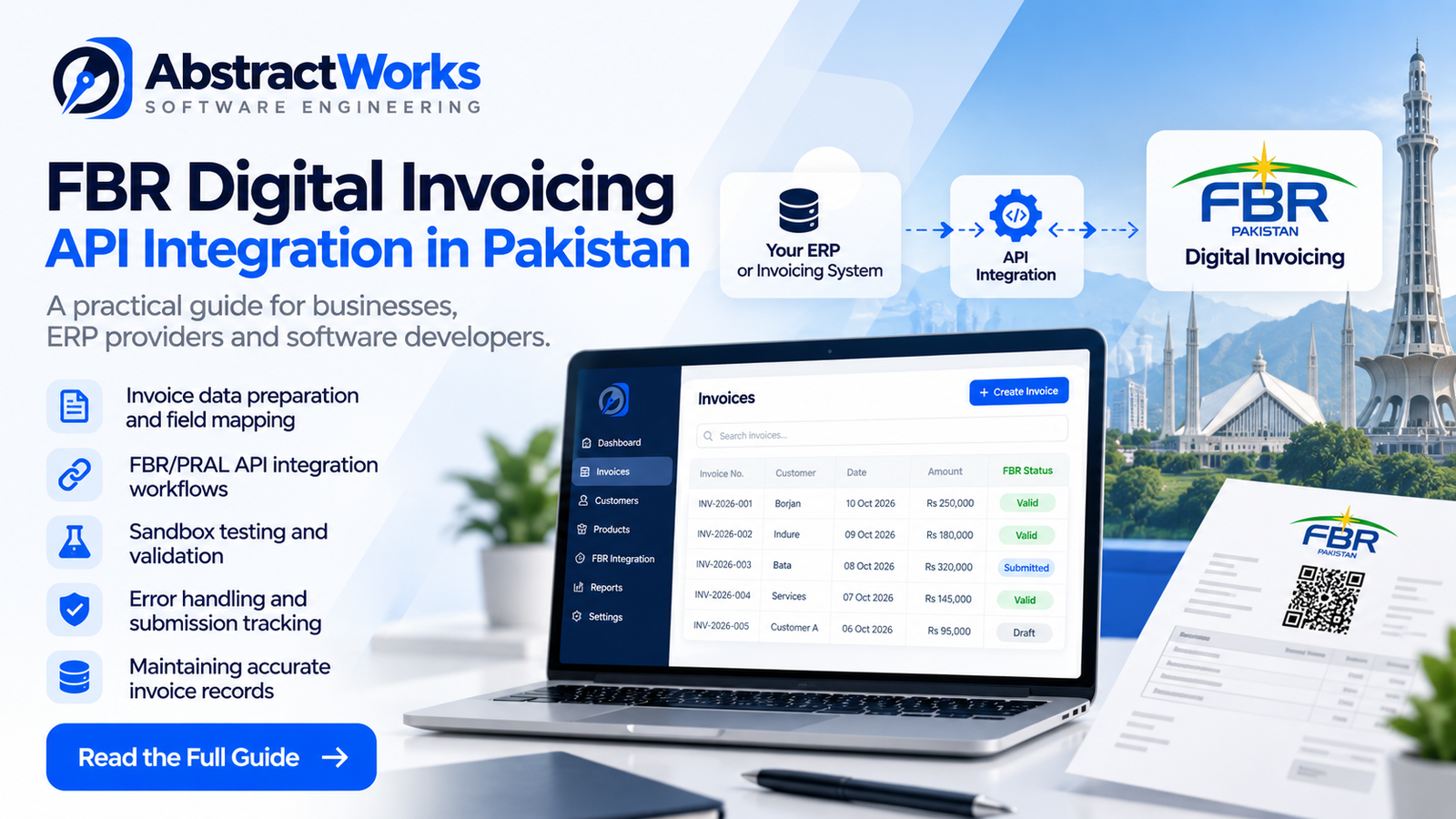
FBR Digital Invoicing vs Traditional Invoicing Software in Pakistan: What Businesses Need to Know
For many businesses in Pakistan, invoicing has traditionally meant preparing a bill using Excel, accounting software, or an ERP system, then printing it or sending a PDF to the customer.
However, FBR Digital Invoicing introduces an important additional requirement for businesses covered by the applicable regulations: electronic integration and structured invoice reporting.
The key difference is simple: generating an invoice digitally does not automatically mean that the invoice has been transmitted to FBR.
In this guide, we explain how traditional invoicing differs from FBR-integrated digital invoicing, what businesses should consider when upgrading their systems, and how modern invoicing software can support the transition.
What Is Traditional Invoicing Software?
Traditional invoicing software helps businesses prepare, calculate, store, and share invoices.
A typical system may include:
- Customer and product management
- Invoice number generation
- Sales tax calculations
- PDF invoice generation
- Payment and outstanding balance tracking
- Sales reports
- Integration with inventory or accounting systems
For example, a footwear manufacturer selling products to retail chains may use an ERP system to generate invoices containing product descriptions, quantities, unit prices, and applicable taxes.
Such a system can be useful for daily operations. However, unless it has the necessary FBR integration, creating and storing those invoices does not itself satisfy the digital invoicing transmission requirements.
What Is FBR Digital Invoicing?
FBR Digital Invoicing is an electronic invoicing framework established by Pakistan’s Federal Board of Revenue.
It enables businesses covered by the applicable requirements to issue structured electronic invoices through systems integrated with FBR.
Unlike simply saving an invoice as a PDF, an integrated invoicing workflow involves preparing invoice data in the required format and communicating with the relevant electronic invoicing system.
According to FBR’s official guidance, a scanned paper invoice is not considered a structured electronic invoice merely because it has been converted into a digital file.
The integration process also involves licensed integrators, with PRAL identified by FBR as an available integration option.
Businesses should consult the latest FBR notifications and applicable rules to confirm their obligations and implementation requirements.
FBR Digital Invoicing vs Traditional Invoicing: Key Differences
| Feature | Traditional Invoicing | FBR-Integrated Digital Invoicing |
|---|---|---|
| Invoice creation | Manual or software-based | Software-based, using the required structured format |
| FBR integration | Not necessarily available | Required for applicable integrated workflows |
| Invoice data transmission | May remain within the business system | Submitted through the applicable FBR integration |
| Validation | Internal software checks | Includes applicable external validation |
| FBR invoice reference | Not automatically generated | Available through successful integration workflows |
| QR code | Optional or internally generated | Used according to applicable FBR specifications |
| PDF invoices | Commonly supported | Can be generated with applicable FBR details |
| Implementation | Usually simpler | Requires additional configuration, testing, and integration |
An important distinction is that FBR integration does not automatically replace all accounting, inventory, payment, or ERP functions. Businesses may still need those capabilities in their existing systems.
How Does FBR Digital Invoicing Integration Work?
Although implementation details depend on the business and its integration arrangement, the general process involves several stages.
1. Create the Invoice
The business enters the customer, products, quantities, prices, and relevant tax information into its invoicing or ERP system.
2. Prepare Structured Invoice Data
The software converts invoice information into the format required by the applicable FBR API specifications.
This may include seller and buyer information, invoice dates, product details, HS codes, sale types, quantities, and tax values.
3. Validate Invoice Information
The system checks the invoice against relevant business rules and technical requirements.
Incorrect data, missing fields, or unsupported values can lead to validation errors.
4. Submit the Invoice
The invoice is transmitted through the configured integration process.
The system must handle responses, errors, and submission outcomes correctly.
5. Store the Response and Generate the Invoice Document
After successful processing, the software can store the relevant FBR invoice reference and generate an invoice document containing applicable verification information, including a QR code.
A reliable implementation should also preserve submission history and distinguish successful submissions from failed attempts.
For a more technical explanation, read our guide:
FBR Digital Invoicing in Pakistan: How API Integration Works for Businesses
Can Businesses Continue Using Their Existing ERP Software?
In many cases, businesses may be able to retain their existing ERP or invoicing software and add the necessary integration capabilities.
The feasibility depends on factors such as:
- Whether the software supports API integrations
- Availability of the invoice data required by FBR
- Ability to support applicable tax calculations
- Compatibility with the required integration process
- Technical maintenance and support arrangements
For example, a business using a custom-built ERP may not need to replace its entire system. Instead, developers may be able to extend its invoicing module to prepare structured data, communicate through the appropriate integration, and store responses.
However, some older systems may require significant changes before they can support these workflows.
Common Challenges Businesses Face
Incorrect Product or Tax Information
Missing HS codes, incorrect tax rates, or inconsistent product information can create validation problems.
Maintaining accurate product records helps reduce avoidable errors.
Different Tax Treatments
Not every invoice uses identical tax rules. Businesses may need to account for different sale types, exemptions, further tax, withholding, or other applicable requirements.
These should be modeled carefully rather than treated as a single universal tax calculation.
Integration Errors
An invoice may fail because of invalid information, configuration problems, authentication issues, or temporary connectivity failures.
A dependable system should provide clear error messages and support controlled retries without creating unintended duplicate records.
Invoice Customization
Businesses often require different invoice layouts, company branding, customer details, and product columns.
A configurable printing system can help preserve these operational requirements while retaining the information needed for the applicable digital invoicing process.
What Should Businesses Look for in FBR Digital Invoicing Software?
When evaluating a solution, consider the following:
- Integration capability: Does it support the required FBR integration workflow through the appropriate arrangement?
- Invoice validation: Can users identify and correct errors before submission?
- Product management: Can the system maintain accurate product, HS code, unit, and tax information?
- Invoice tracking: Can users distinguish draft, submitted, successful, and failed invoice states?
- Customizable documents: Can invoice layouts accommodate business requirements?
- Data security: Are access permissions, credentials, and business records handled securely?
- Support and maintenance: Can the provider help when API specifications or business requirements change?
Choosing software should involve both operational needs and the relevant regulatory requirements.
How AbstractWorks Helps Businesses with Digital Invoicing
AbstractWorks develops software solutions for businesses that need reliable invoicing workflows, API integrations, and custom business applications.
Our FBR Digital Invoicing platform includes capabilities such as:
- Customer and product management
- Invoice creation and tracking
- FBR API integration workflows
- Configurable invoice PDF layouts
- Business-specific invoice fields
- Multi-tenant application architecture
We also work on custom software development, ERP solutions, and third-party API integrations.
Explore our FBR Digital Invoicing solution to learn more about the platform.
Note: AbstractWorks is a software solution provider and does not claim to be an FBR-licensed integrator. Where licensed integration is required, businesses must use an appropriate authorized arrangement.
Frequently Asked Questions
Is a PDF invoice considered an FBR digital invoice?
Not automatically. A PDF may be a useful representation of an invoice, but FBR’s structured electronic invoicing requirements involve more than simply generating or emailing a PDF.
Do I need to replace my existing accounting software?
Not necessarily. Some existing ERP and invoicing systems can be extended with integration capabilities. Others may require upgrades or replacement.
Is FBR Digital Invoicing mandatory for every business in Pakistan?
Requirements depend on the applicable legal provisions, registration status, notifications, and any relevant extensions or exceptions. Businesses should check the latest FBR guidance and seek qualified tax advice when necessary.
Can an invoicing system generate FBR invoice numbers and QR codes?
An appropriately integrated system can process relevant responses and generate invoice documents containing the required reference and verification details. Simply generating a QR code locally does not establish successful FBR submission.
Can small businesses use FBR-integrated invoicing software?
Yes, where applicable. The appropriate solution depends on the business’s invoicing volume, processes, technical needs, and regulatory obligations.
Conclusion
Traditional invoicing software helps businesses manage everyday billing operations. FBR-integrated digital invoicing adds structured electronic reporting and integration requirements for businesses covered by the applicable rules.
The best approach is not necessarily to replace an existing system. Businesses should first assess their current software, understand their compliance obligations, and identify the integration capabilities they need.
Need help evaluating your invoicing or ERP system?
Contact AbstractWorks to discuss your software requirements.
Official FBR Resources and Further Reading
For authoritative and updated requirements, refer to:
- FBR Digital Invoicing FAQs
- FBR Digital Invoicing Technical Assistance
- FBR Digital Invoicing Legal Provisions
- FBR List of Licensed Integrators
This article is for general information and does not constitute legal or tax advice. Businesses should verify current FBR requirements before making compliance decisions.